When I first started drawing and editing art on a tablet, I was alarmed by the number of file types available. After research, trial, and some error, it comes down to one question:
Do you want to use this file on a larger scale than what it is formatted in right now?
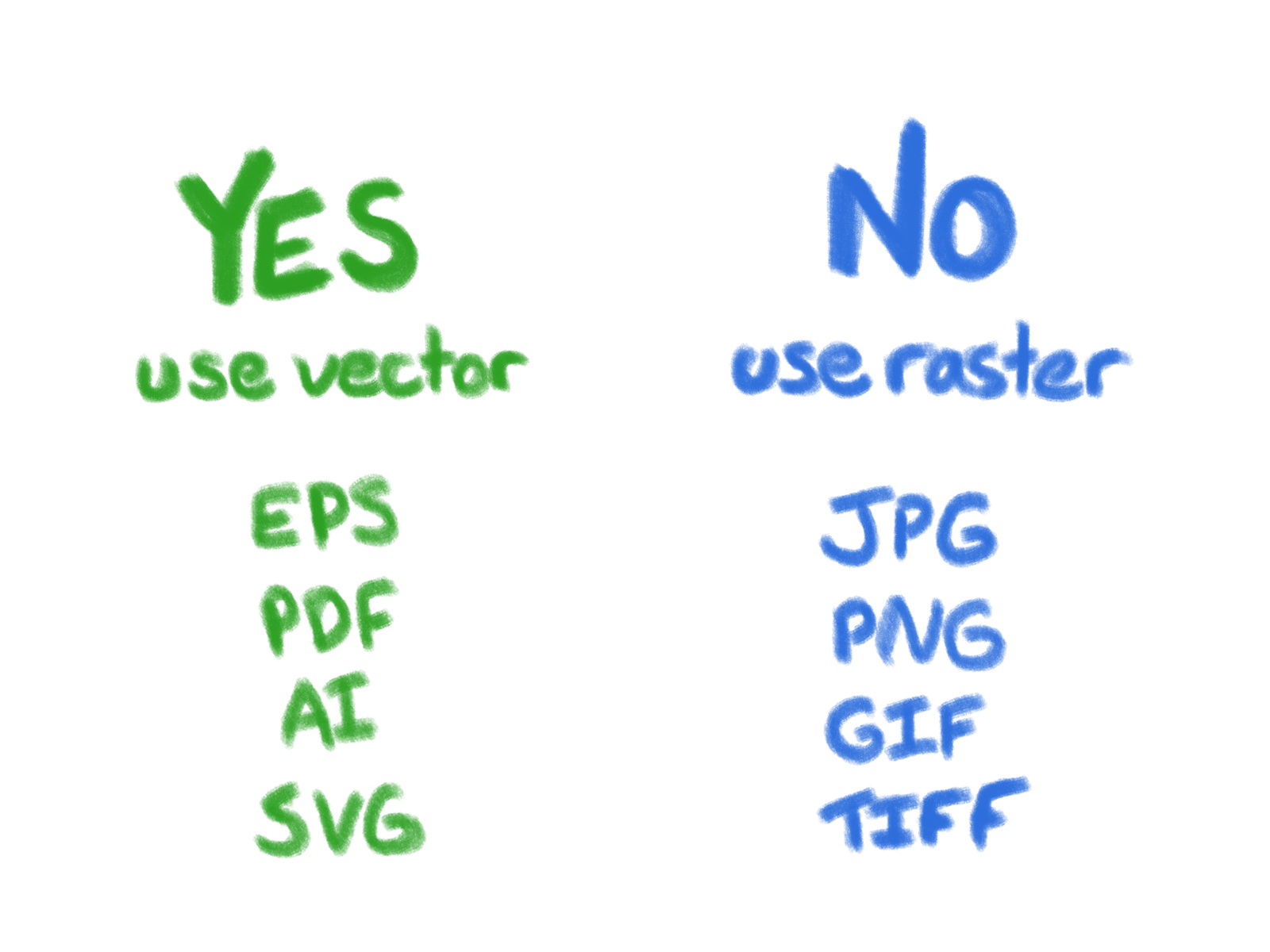
Raster images are the most common and are the file types I’ll focus on in this post.
.jpg files
As a super smooth but relevant plug for my work, I recently posted a number of free mobile and desktop computer wallpapers in .jpg format. The .jpg file type contains high-definition images in a small amount of space, which makes it perfect for putting online. Since it is such an efficiently small file, it also loads on webpages quickly and allows for a quick download. It just does not allow for transparency like a .png.
.png files
I personally use .png images for the transparent background. Files ending in .png have sharp, crispy edges and look very clean as a sticker or on a website.
It can sometimes be difficult to get rid of the ‘dust’ that appears as tiny, intrusive dots in the otherwise transparent background. Some software, like Clip Art Studio, lets you get rid of the dust automatically. Other software might not offer that and you will need to erase the ‘dust’ manually.
.tiff files
.tiff files are giant files that keep every layer of art and dot of detail. They can be used to send art to print shops, as it won’t be compressed at all. I often use .tiff files to save an art file until I have finished the file, since it holds onto all of your layers and settings. After finishing the piece, I convert copies of the file into .png or .jpeg for use.
I would recommend not using .tiff files for a website. The files would take forever to load and your bounce rate of people backing out of your website will be crazy. They will also take up a lot of room in your digital storage.
.gif files
You know them, you love them. GIFs. The thing everyone argued (Still argues about? We have bigger problems right now) about how to pronounce. The file type for making reaction memes on social media. A .gif is a compressed set of images to make a short animation.
GIFs tend to look grainy due to their small size and limited colors. You often see .gifs on social media. These files contain no audio and can have transparency like a .png. Despite all of this, sometimes only a .gif can encapsulate your feelings properly.
References:
